I always enjoy travelling with my family, but it also comes with a lot of expectations. Kids usually look at you every now and ask what’s next, and of course, they expect you to know everything going on. If you need to check Google Maps, you need to do it fast. If they ask a question about a place, you need to Google it up quickly to avoid telling them you don’t know.
This experience has taught me that Wi-Fi connections and data roaming aren’t really enough, prompting me to look for solutions that actually fit family travel. If you are planning a trip to the US, we’ll look at different ways you can stay connected, from using the best eSIM for USA to ensuring you have power backup.
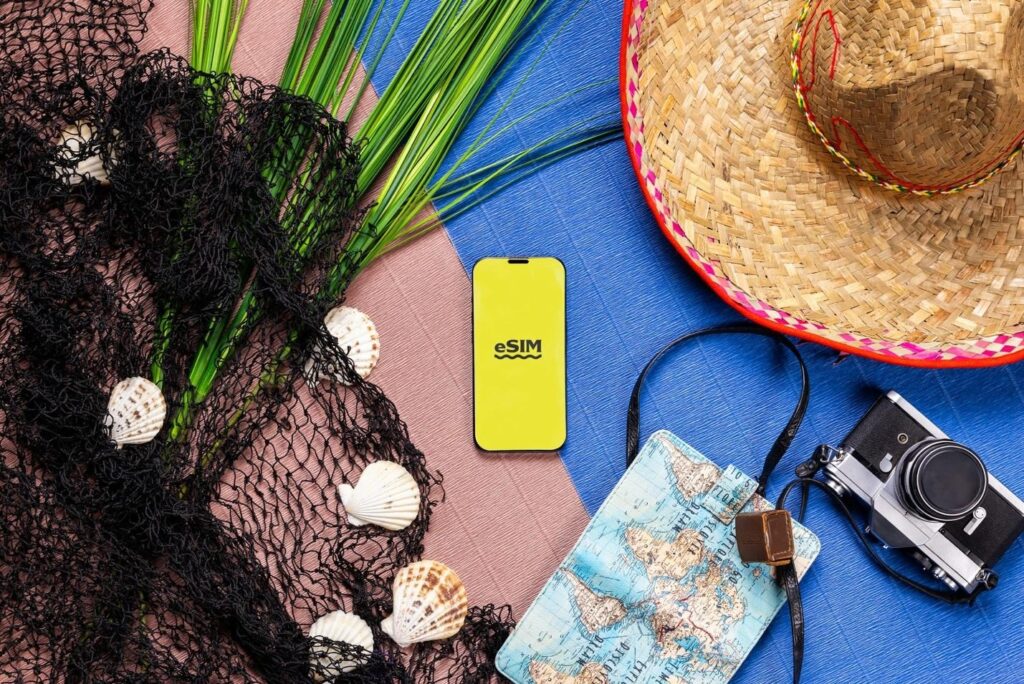
Photo by Opal Pierce on Unsplash
Get an eSIM before you leave
Data roaming works well, but it’s quite expensive. Add the fact that you are travelling with several others who depend on you, and it can take a significant chunk out of your budget.
eSIMs are the more friendly option when travelling to the US and pretty much every other region. They offer significant flexibility for choosing the amount of data that fits estimated usage, with an option for unlimited usage.
Beyond the convenience of getting connected right after landing, I really like not having to worry about unexpected charges and being able to recharge on the go.
Get a portable Wi-Fi device
This is one of those things you don’t always think about until you realise you are in a fix. You have about 3 or 4 devices you want to connect, but you can’t really share your roaming plan. And even if you have an unlimited eSIM plan, you still don’t want to drain the battery when on the road for the whole day.
A portable Wi-Fi device significantly helps keep the entire family connected. Instead of a few people having data while others lack it, the entire group can connect comfortably. You don’t have to worry about individual connections, switching SIM cards, or constantly checking data usage.
Use Wi-Fi strategically (and safely)
Most unlimited plans should actually have an asterisk at the end. In most cases, they have a daily allocation, like 25GB. When you go past it, the connection speed drops significantly.
This makes Wi-Fi still essential when it’s available in restaurants or hotels. It’s usually a good time to download the shows you want to watch later or watch stuff that requires good speeds.
However, these public hotspots also come with a huge data risk. I always ensure I have a multi-device VPN when travelling to prevent third parties from stealing my personal data or accessing my devices. It’s a very important safety measure when travelling.
Download and set up essential apps before your trip
When you set everything up before travelling, you avoid many pauses during the day or scrambling when someone is waiting for your instructions.
Maps are the obvious starting point here as you’ll need help navigating or even finding good restaurants. A good way to enhance them for travel is to download offline maps for the areas you’ll be covering to ensure that a connection drop doesn’t slow you down.
The same goes for airline apps, booking apps, and anything else in your itinerary. You can also think about entertainment apps like games or audiobooks for the quieter family moments or long rides and flights.
Keep a simple backup plan
Even with everything set up, you still need a little safety net. A key one is a power bank you can rely on when on your day trips. You should also have a secondary internet connection you can turn to, maybe a local SIM card or a roaming option you can activate on one device.
Apart from that, try to save key information like your hotel addresses and tickets offline. It will come in handy in case your connection drops or you run out of battery. You don’t need to complicate everything as you can still ask for help, but it’s a good way to make the day feel calmer.